Is this your drive?
Eleven Samsung Failure Patterns, and What Each One Means
Before you do anything else, stop
Nearly every "fix your SSD" guide online tells you to run the same handful of commands. On a failing Samsung drive (an 870 EVO, a 990 PRO, any of them), several of them permanently destroy the files you are trying to get back. The same caution applies across every drive type we cover, Samsung included.
- Don't run CHKDSK. It rewrites the file tables on a drive whose controller is already returning bad data, and it does it in place. There is no undo.
- Don't initialize the disk when Windows offers to. That writes a fresh, empty partition table over the map of where your files live.
- Don't format it, even if Windows insists the drive needs formatting to be usable.
- Don't retry a failed firmware update in Samsung Magician. If the first attempt failed, the drive is already in a state the updater can make worse.
- Don't run Secure Erase or the Magician "performance restore" on a drive with data you need.
- Don't keep power-cycling it. Each retry on a degrading controller can turn an intermittent fault into a permanent one.
If the drive still holds files that matter, the safest thing you can do is unplug it and leave it alone. A drive that is simply not detected has usually lost nothing yet. The same logic applies across every make. Our what can and can't be repaired covers where the line sits between a fixable fault and a recovery job.
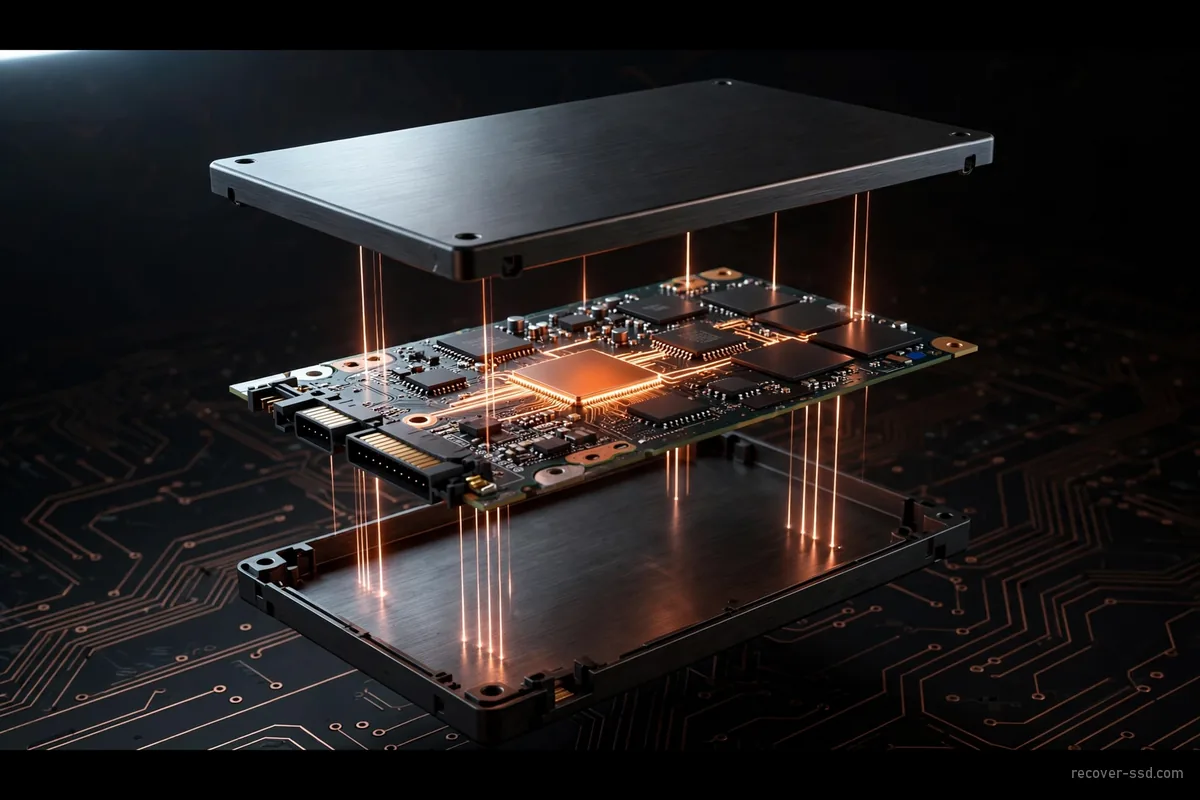
Samsung's SSD range spans more than a decade of controller generations, memory types and form factors, and each generation tends to fail in its own recognisable way. The eleven patterns below are specific to Samsung hardware: its controllers, its documented firmware issues, and how each product line actually gets used. In most of them the fault sits between the controller and the memory rather than in the memory itself, which is the reason a drive that looks completely dead so often still has everything on it.
 See it bigger
870 EVO sudden bad-block failure
Owners reported elevated failure rates on some early-2021 production 2 TB and 4 TB units, with uncorrectable read errors appearing after light use. The usual story is a sharp performance drop, then a drive the computer won't talk to at all, when SMART looked fine days earlier. Two things are worth saying honestly: Samsung has never publicly acknowledged a defect, and one large system builder reported no elevated failures across more than a thousand of these drives. So this is a real pattern in the field, not a confirmed fault in every unit. What is consistent is the shape of it: the drive stops responding as a whole, rather than losing files one at a time.
860 EVO slow degradation
The 860 EVO relies on a wear-levelling table to keep track of where everything physically sits. As that table accumulates errors the drive doesn't stop dead. Read and write speeds fall away first, sometimes over weeks, before a partition vanishes or the drive drops to read-only. That slow decline is the reason most of the data is still intact by the time it finally stops mounting: the drive spent a long time telling you something was wrong.
980 PRO dropping to read-only, and firmware 3B2QGXA7
The 980 PRO shipped with a firmware defect that made drive health collapse and then locked the drive into read-only mode, reported primarily on 2 TB units. The affected version is 3B2QGXA7. 4B2QGXA7 and 5B2QGXA7 are unaffected. Note that once a drive has already entered the read-only state, updating the firmware does not bring it back. If your 980 PRO is still readable, check the version in Samsung Magician before anything else. Updating a healthy drive is sensible maintenance, but running that update on a drive that has already started failing is a different gamble entirely. A drive already in read-only mode still holds your files, and read-only is the safest possible state to send it to us in.
990 PRO rapid health drop, and firmware 0B2QJXD7
The 990 PRO launched with firmware 0B2QJXD7, which miscalculates two SMART health attributes: available spare and media integrity errors. Owners watched health fall 10–30% in days on drives that had written well under 2 TB, which is nothing like real wear. Samsung's 1B2QJXD7 update stops the counter falling further but does not restore the number you already lost. Worth knowing: a frightening health percentage on a 990 PRO may be a reporting bug rather than a dying drive, but if the drive is also dropping off the bus mid-transfer, that part is real and worth acting on.
Firmware update failed part-way
A firmware update that stops half-finished leaves the controller running code that is neither the old version nor the new one, and the drive frequently won't enumerate afterwards. Samsung Magician will often offer to try again. Retrying is the single most common way a recoverable Samsung drive becomes an unrecoverable one, because the second attempt writes over whatever state the first attempt left behind.
Drive reports 0 bytes or the wrong capacity
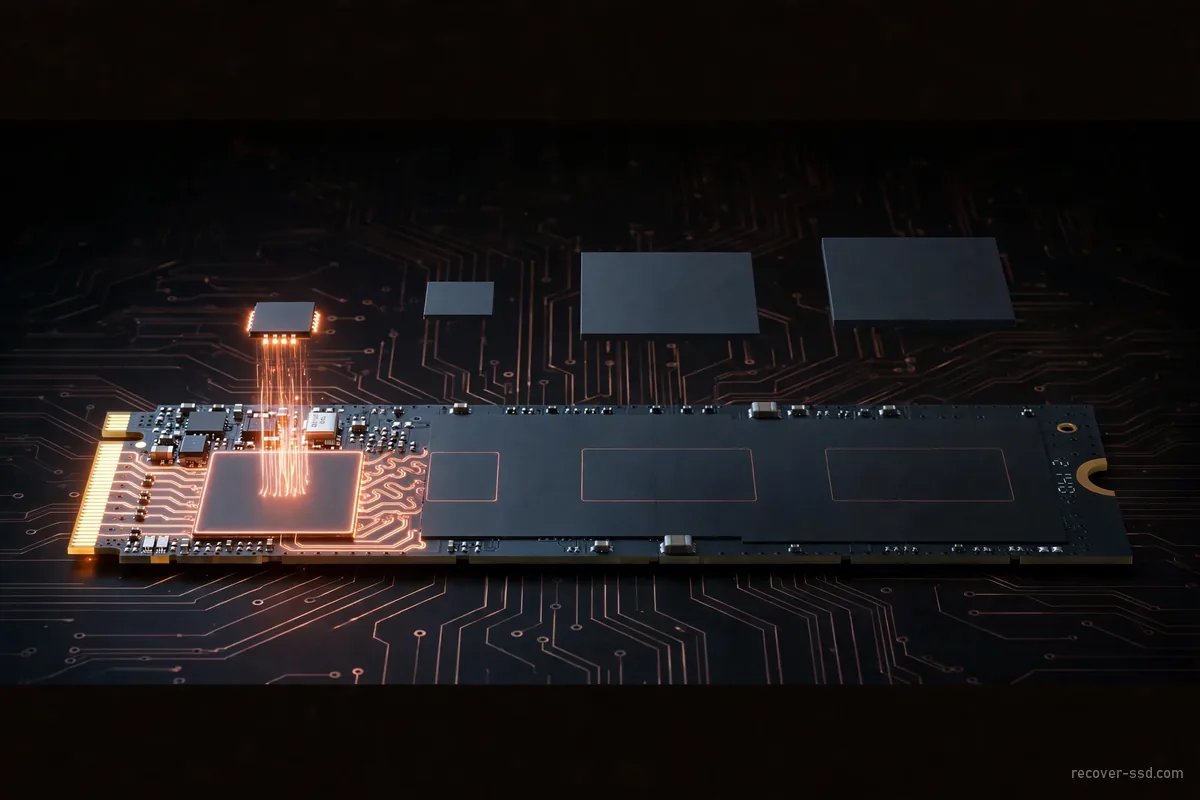
When a Samsung SSD shows up as 0 bytes, 8 MB, or some capacity it never had, the controller has lost its translation table: the map between the addresses your computer asks for and where the data physically lives. The files have not been erased. The drive has simply lost the index, and no consumer software can rebuild it, because the drive won't present the real contents to be scanned in the first place. It is the same translation-layer fault behind most corrupted-drive cases, whatever the make.
 See it bigger
T5 portable won't mount
The T5 puts a small bridge controller between the internal memory and the USB port, and that bridge is a common single point of failure. Windows or macOS sees a connected device, sometimes even reads its serial number, but no volume ever appears. The fact that it's negotiating a USB connection at all is usually a good sign: it points at the bridge or the connector rather than the storage.
T7 and T7 Shield connector damage
The T7 Shield is built to survive being dropped, but the USB-C port and the little board behind it remain the weakest part of the design. A drop, a spill, or years of cable strain can crack a solder joint or damage that board while the memory package sitting behind it is untouched. Visible damage to the outside of a portable drive tells you very little about whether the data inside survived.
Encrypted and BitLocker-protected drives
Samsung drives with hardware self-encryption, and any drive protected by BitLocker, add a key-recovery step on top of the physical fault. Even once the flash has been read successfully, what comes out is ciphertext without the right key or recovery password. It is worth finding your BitLocker recovery key before the drive goes anywhere. It directly determines what can be handed back to you at the end.
Physical damage: drops, liquid and heat
Snapped M.2 boards, drives pulled from water, and units cooked in a failed laptop are their own category, and the rule about not powering things up matters most here. A drive with liquid inside can survive the incident and then be finished off by being plugged in to "see if it works", because powering a wet board is what causes the shorting. If your Samsung drive has taken physical damage, our physically damaged SSD page covers what happens next.
Samsung PM and SM series enterprise drives
Samsung's enterprise drives (the PM and SM series, including the PM9A1 and PM9B1 fitted as OEM drives inside Dell, HP and Lenovo machines) turn up in servers, workstations and storage arrays where a single drive dropping out can take a whole volume offline with it. Recovering the failed drive and rebuilding the volume it belonged to are two separate jobs, and the second one needs the array's configuration to be known accurately before anyone starts. If a Samsung enterprise drive has taken down more than a workstation, say so when you contact us and it gets handled as a business case from the start.
Last updated: · Contact us
Send it in and we will tell you what actually failed. The evaluation is free and you get a firm price before any work starts.
Match your symptom
What Your Symptom Usually Means
Find what your drive is actually doing in the left column. The last column is the one most people want first: whether the thing you are about to try will help or finish the job off.
| What you see | Typical models | Usual cause | What recovers it | What makes it worse |
|---|---|---|---|---|
| Not detected in BIOS | 980, 980 PRO, 990 PRO | Controller can't bring up the PCIe link | Controller-level access in the lab | Re-seating repeatedly, BIOS "repair" tools |
| Drive locked read-only | 980 PRO (firmware 3B2QGXA7) | Documented firmware defect | Data copied off as-is, read-only is a safe state | Re-running the firmware updater |
| Health % falling fast | 990 PRO (firmware 0B2QJXD7) | SMART miscalculation, not real wear | Often nothing, check firmware first | Panic-cloning with the drive under load |
| Sudden total failure | 870 EVO | Bad-block handling in early firmware | Chip-level read, flash usually intact | CHKDSK, formatting, power-cycling |
| Gradual slowdown, partition vanishes | 860 EVO | Wear-levelling table degrading | Imaging before further wear | Continuing to use the drive |
| Shows 0 bytes or wrong size | Any Samsung SSD | Lost translation table | Rebuilding the map in the lab | Recovery software, initializing the disk |
| USB device seen, no volume | T5, T7, T7 Shield | Bridge board or connector | Bypassing the bridge | Forcing a different cable repeatedly |
| Update failed part-way | Any, via Samsung Magician | Half-written firmware | Lab access to the service area | Retrying the update, the worst single move |
Swipe the table sideways to see every column →
Firmware versions above are Samsung's own published build numbers. If your drive still reads, check its firmware in Samsung Magician before doing anything else. On a healthy drive updating is sensible maintenance, on a failing one it is a gamble.
Which chip is in your drive
Samsung Controllers, and Why Yours Matters
Every Samsung SSD is really two things: the memory that holds your files, and a controller chip that decides how to read it. When a drive dies, it is usually the controller that failed, which is why the model on the label matters less than the chip on the board. It is also why a deleted file behaves differently here than on a hard drive: how TRIM erases deleted files covers that. Two drives sold under the same name can contain completely different silicon. Samsung's newest V-NAND, announced in 2026 with over 400 layers, will eventually replace these controllers too — see 400-layer Samsung V10 drive failures for what that means down the line.
We are not going to tell you a chip is a lost cause from a web page. If your drive uses any controller below, it is worth having it looked at properly. Send it in, we will evaluate it free, and you decide whether to go ahead once you know what is actually wrong.
| Controller | Drives that use it | Interface | Worth knowing |
|---|---|---|---|
| MEX | 840 EVO, 850 PRO, 850 EVO 1 TB | SATA | The 840 EVO's slow-read problem lives here: old data reads at a crawl |
| MGX | 850 EVO up to 500 GB, 750 EVO, T5 portable | SATA | The T5 pairs it with a separate USB bridge chip that fails on its own |
| MHX | 850 EVO 2 TB, 850 PRO 2 TB | SATA | Exists only because MEX couldn't address 2 TB |
| MJX | 860 EVO, 860 PRO, 860 QVO | SATA | No documented defect: failures here are ordinary wear or damage |
| MKX "Metis" | 870 EVO, 870 QVO | SATA | Hardware AES-256 on board, which matters if the drive was encrypted |
| Polaris | 960 EVO, 960 PRO | PCIe 3.0 NVMe | First of Samsung's 5-core NVMe controllers |
| Phoenix | 970 PRO, 970 EVO, early 970 EVO Plus | PCIe 3.0 NVMe | Later 970 EVO Plus drives quietly shipped with a different chip (see below) |
| Elpis | 980 PRO, PM9A1 (OEM), revised 970 EVO Plus | PCIe 4.0 NVMe | The 980 PRO read-only firmware fault sits here |
| Pablo | 980 (non-PRO), T7, T7 Touch, T7 Shield | PCIe 3.0 NVMe | No onboard cache memory: it borrows system RAM instead |
| Pascal | 990 PRO | PCIe 4.0 NVMe | The 990 PRO health-reporting bug sits here |
| Piccolo | 990 EVO, 990 EVO Plus | PCIe 4.0 NVMe | Also cacheless, like Pablo |
Swipe the table sideways to see every column →
Two things that catch people out
The same model name can be two different drives. Samsung revised the 970 EVO Plus partway through its life, swapping the Phoenix controller for Elpis without changing the name on the box. Two drives, same label, different chip inside. Tell us the capacity and roughly when you bought it and we can work out which one you have.
The 850 EVO used three different controllers depending on size: MGX up to 500 GB, MEX at 1 TB, MHX at 2 TB. They also differ in how they correct errors, which is why two 850 EVOs with the same symptom can need entirely different handling. Capacity is not a detail here. It changes the whole job.
No surprises
What It Costs, and What Happens To Your Data
| Item | When it applies | Cost |
|---|---|---|
| Evaluation | Every case, before you commit to anything | Free |
| Recovery | Only after you approve the quote | Quoted, capped |
| If nothing is recovered | We could not get your files back | No data recovery fee |
| Rush fee | Optional, only if you choose Emergency | $495 |
| Return drive | If you want your files back on new media | Quoted with your case |
Swipe the table sideways to see every column →
Nothing above is charged without your say-so. You approve the quote before any recovery work starts, and you see the list of recoverable files before you pay for them. The promise behind all of it is one line: No Data Recovered, No Data Recovery Fee. If anything here is unclear, talk to us first.
What happens to your data
Your drive is logged in when it arrives and stays with your case number for the whole job. Recovered files are handled confidentially and returned either digitally or on a brand new storage drive, your choice.
Once you confirm you have your files, your recovered data is destroyed from our systems and your original drive is returned to you or disposed of, whichever you ask for. If you need a signed confidentiality agreement in place before you send anything, say so when you contact us.
Method: the process
A Clear Path From Failed Drive to Your Files Back
Rate card
What Samsung Recovery Actually Costs
| Service level | What's included | Turnaround | Typical price |
|---|---|---|---|
| Standard | Full diagnostic + logical/firmware recovery | 3–5 days | Under $450 |
| Priority | Front-of-queue, controller/NAND-level work | 2–4 days | Quoted After Evaluation |
| Emergency | Front of queue, worked until finished | 1–3 days | Quoted + $495 rush fee |
Swipe the table sideways to see every column →
Your firm quote comes after a free evaluation of the actual drive. Our page on what SSD file recovery costs across every drive type has the full breakdown. If the case turns out more complex once work begins, we contact you before any added cost. You're never charged past what you approved.|Emergency service adds a $495 rush fee to move your drive to the front of the queue. This is optional, and it speeds up when we start. It does not guarantee data is recoverable.
Nothing is charged until you have seen the quote and said yes.
What you're agreeing to
Every evaluation starts free, and nothing happens without your say-so
Send the drive in and we diagnose it before you commit to anything. There is no charge for the evaluation and no obligation to go ahead. You find out what is wrong with your Samsung drive and what it would take to fix it, and then you decide. No recovery is attempted without your approval.
Before you pay for recovery, you see the list of files we can return. If we don't recover your data, there is no data recovery fee, and you don't have to ask for it. Recovered files come back either digitally or on a brand new storage drive once retrieval is complete, whichever you prefer. Recover-SSD was founded in 2011 by Bruce Cullen, who has worked in data recovery since 1999.
Questions we get asked
Samsung Recovery Questions
Can you recover a Samsung SSD that isn't detected?
Usually, yes. "Not detected" means the drive cannot introduce itself to your computer, but a drive that never announces itself has also not overwritten anything. One check before sending: try a different machine, or a USB adapter rather than the motherboard slot. If it appears there, the port may be at fault.
Is the 870 EVO bad-block failure recoverable?
Often, depending on the drive. It's a well documented failure pattern with a firmware cause rather than physical memory wear, which is exactly the situation where the data often survives. We confirm it for your specific drive during the free evaluation.
How much does Samsung 870 EVO or 990 PRO recovery cost?
Most Samsung cases come in under $450. The final price depends on whether the fix is at firmware level or needs controller- and memory-level work, and you get a firm quote after the free evaluation, before any work starts. If we don't recover your data there is no data recovery fee.
My firmware update failed and now the drive is dead. Can it be fixed?
Often, yes, but do not retry the update, for the reason explained in the firmware section above. One thing worth checking first: if the drive still appears at all, note which firmware version it reports. A drive stuck between two versions behaves differently from one that never took the update.
My Samsung drive shows 0 bytes. Is the data gone?
Almost certainly not. A 0-byte or wrong-capacity reading means the controller has lost its translation table: the index of where your files physically sit. The data hasn't been erased. The drive has lost its map. Recovery software can't help here, because the drive never presents the real contents for it to scan.
How long does a Samsung recovery take?
Standard Samsung recoveries run 3–5 days. Priority moves you to the front of the queue at 2–4 days, and emergency cases are worked until finished and run 1–3 days. Turnaround is confirmed with your quote after the evaluation, because what the drive actually needs is only clear once we have looked at it.
My Samsung SSD is BitLocker-protected: can you still recover it?
Yes, but find your BitLocker recovery key first. Reading the flash is only half the job on an encrypted drive. Without the correct key or recovery password, what comes back is unreadable ciphertext. Having the key ready directly affects what can be handed back to you.
Can you recover a T5, T7 or T7 Shield portable drive?
Yes. On portables the bridge controller and the USB-C connector fail far more often than the storage itself, so a drive that won't mount, or one that's been dropped or got wet, frequently still has all its data. Physical damage on the outside says very little about the inside.
What should I do right now, before sending it?
Unplug it and leave it alone. The full list of things that make it worse is at the top of this page. Then get three things together before you send it: the exact model and capacity off the label, roughly when you bought it, and your BitLocker recovery key.
Get your Samsung drive evaluated free
Tell us what happened. We'll diagnose the drive and give you a clear, firm quote before any work begins. You can start a Samsung case now with the button below.
Start My Recovery